
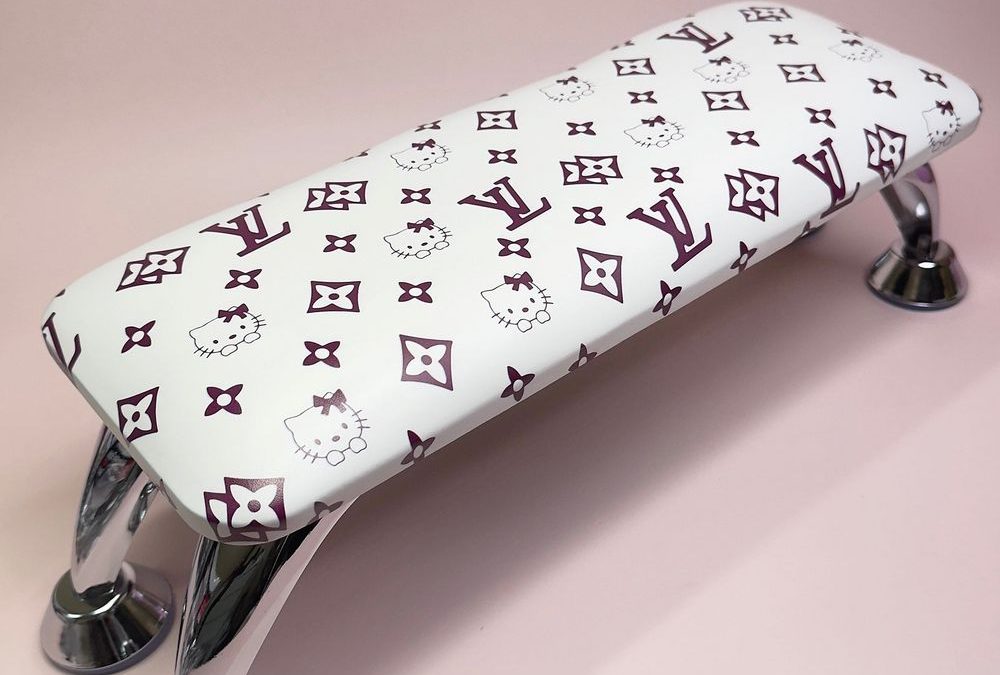
Quick comparison: light wipes work for everyday smudges, but ink and marker need a careful, step-by-step approach. This guide focuses on the Dark Pink character + monogram cushion pillow — the white satin faux-leather pad printed with deep-berry motifs and thin black outlines, mounted on high-gloss chrome legs — and how we safely remove ink, marker and product spills without dulling the print or damaging metal hardware.
Assess: Know The Surface
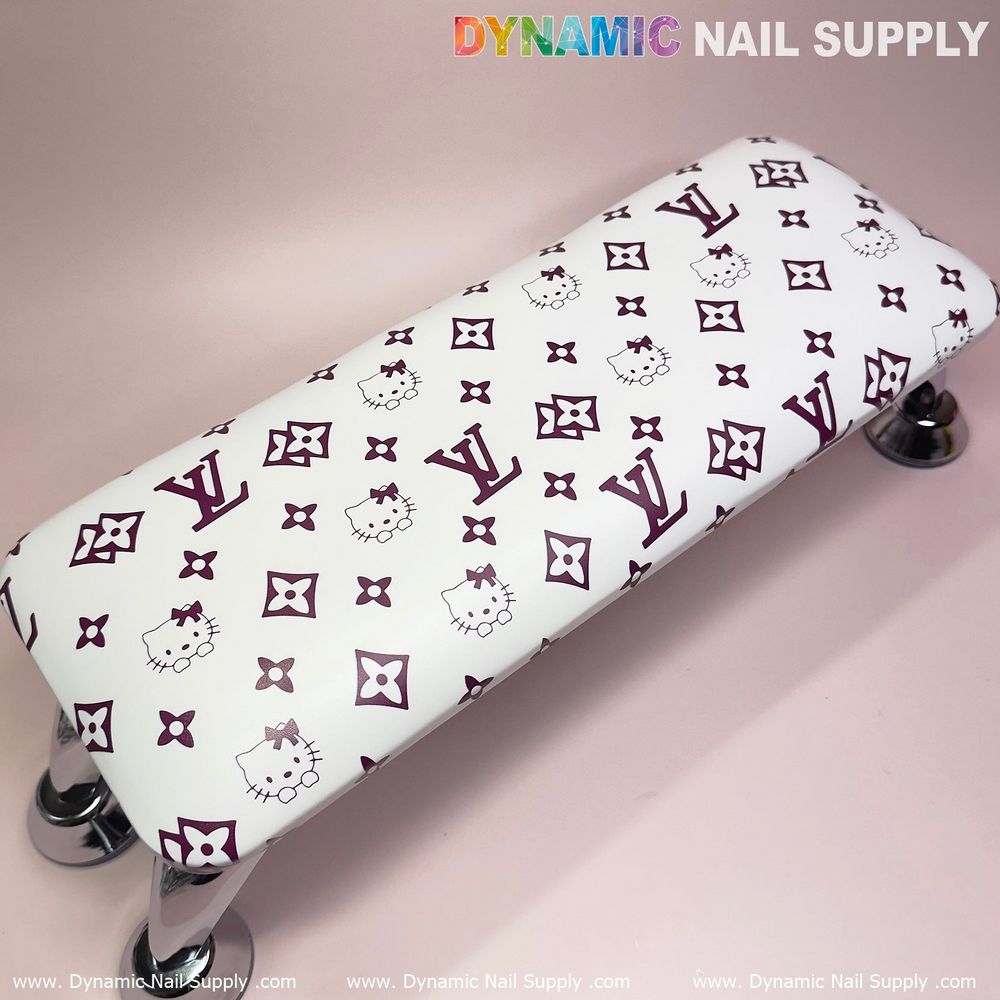
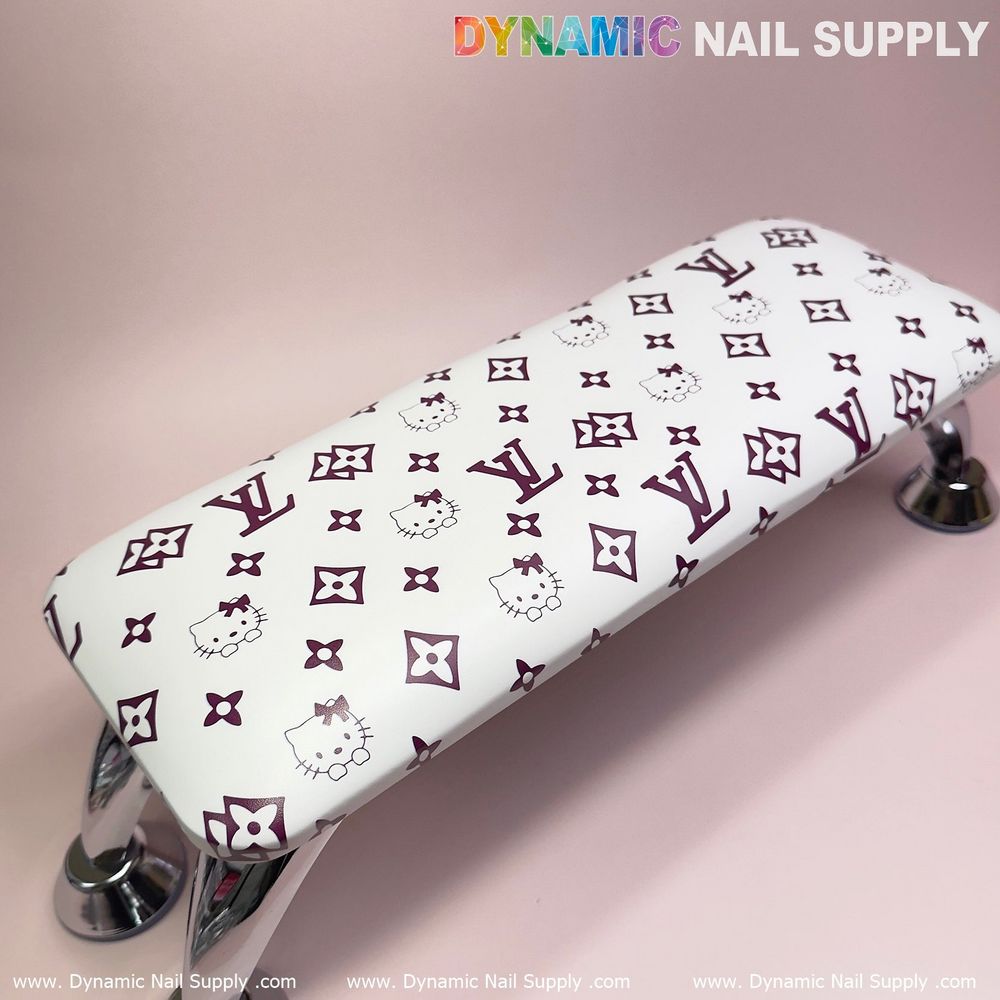
Start by looking closely. The cushion in front of you has a smooth satin faux-leather surface with flat printed motifs in deep berry on a white base. That means the print sits on the surface and can lift or smear if treated with harsh solvents or abrasive scrubbing. The chrome legs are reflective and will show water spots and corrosive residue if cleaners are left on them. Treat each area with the correct method.
Prep: Test First
Always do a small spot test on an inconspicuous part of the white base where a berry logo sits nearby. Use the exact cleaning material you plan to use, dab a tiny amount, wait two minutes, then check the print color and surface sheen. If the print shifts, stop. We recommend assembling cotton pads, soft microfiber cloths, a mild pH-neutral cleaner, isopropyl alcohol (70%), cotton swabs, and a plastic spatula or scraper for dried residue.
Step-by-Step: Remove Ink Or Marker Stains
- Blot, don’t rub: If the stain is fresh, gently blot with a dry microfiber to remove surface transfer. Rubbing spreads pigment and risks embedding color into the satin finish.
- Light lift with water: Dampen a clean cloth with plain water and blot the stain. For many spills this removes most residue while keeping print intact.
- Targeted solvent use: For stubborn pen or marker marks, moisten a cotton swab with 70% isopropyl alcohol and work from the outer edge of the stain inward. Use tiny swabs and minimal solvent. Test again after 10–20 seconds. If the print shows any change, stop immediately.
- Mechanical removal for dried glues: Gently lift hardened product with a plastic scraper at a low angle. Avoid metal scrapers and hard edges that can scratch the printed surface.
- Finish and protect: Once the stain is gone, wipe the area with a damp cloth, then dry with a soft towel. If the satin look looks a touch dull, a light buff with a dry microfiber restores the sheen without polish.
Pro tip: Use the least aggressive method first. Work from mild to stronger instead of guessing at a heavy cleaner right away.
Chrome Legs: Clean Without Streaks
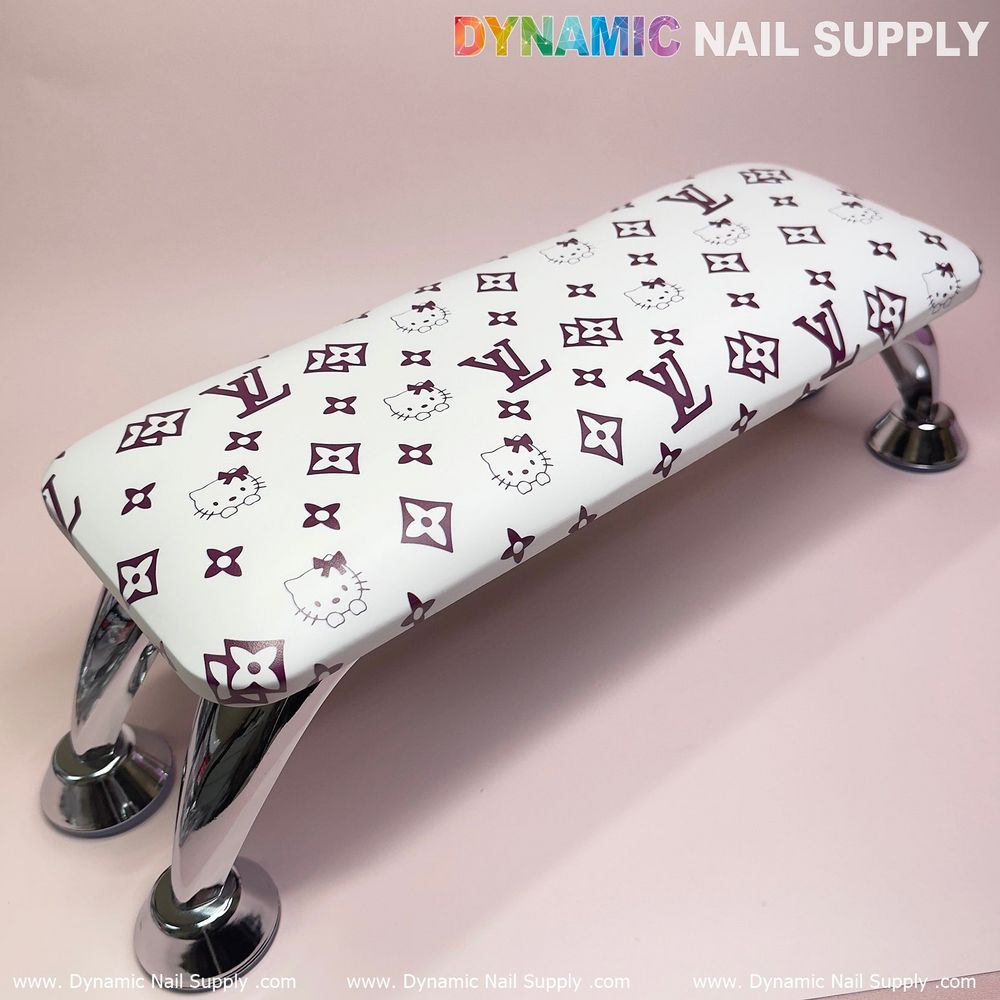
Chrome hardware reacts differently than the cushion. Keep cleaning solutions off metal where possible. Wipe legs with a soft cloth and a mild cleaner or diluted alcohol, then dry immediately to avoid water spots. If cleaners run from the cushion onto chrome during treatment, wipe the metal dry and buff with a clean cloth.
For product details and to check the piece you’re treating, see the exact model here: https://dynamicnailsupply.com/products/cute-dark-pink-hell0kitty-lv-leather-armrest-cushion-pillow-for-pedicure-manicure-reposabrazos-para-manicura
What To Avoid
- No harsh solvents like acetone or nail polish remover directly on printed areas — they can dissolve printed ink or lift the coating.
- Do not soak the cushion or use excessive water; moisture at seams can weaken glue or padding under the cover.
- Avoid abrasive pads or brushes — they can scratch the satin finish and thin black outlines on the motifs.
- Don’t let cleaners sit on chrome hardware — wipe and dry promptly to prevent spotting.
Routine Care: Keep It Clean Between Clients
Quick wipes after each client keep stains from setting. Use a low-moisture, pH-neutral cleaner on a microfiber cloth and go over the white base and printed area with light pressure. For sticky residue after gel removal or acrylic dust, use a dampened cloth with a tiny amount of neutral cleaner, then dry right away. Replace or remove the cushion if seams split or padding becomes saturated.
Pro tip: Keep a small stain kit under your station: microfiber, cotton swabs, 70% alcohol, a plastic scraper, and a mild pH-neutral spray. That kit handles 90% of ink and product mishaps without risk to print or metal.
Safety And Handling Notes
Work in a ventilated space when using alcohol. Wear nitrile gloves if you have skin sensitivity to cleaners. Avoid mixing cleaners; use one tested product at a time. If the cushion shows persistent damage or color loss after treatment, retire it from service — the surface finish protects both print and padding.
Final pro tip: schedule a brief inspection each week to catch tiny stains early — early action often saves the print and the pad. Prices may change but a careful clean saves replacement time and helps your station look sharp for every client.